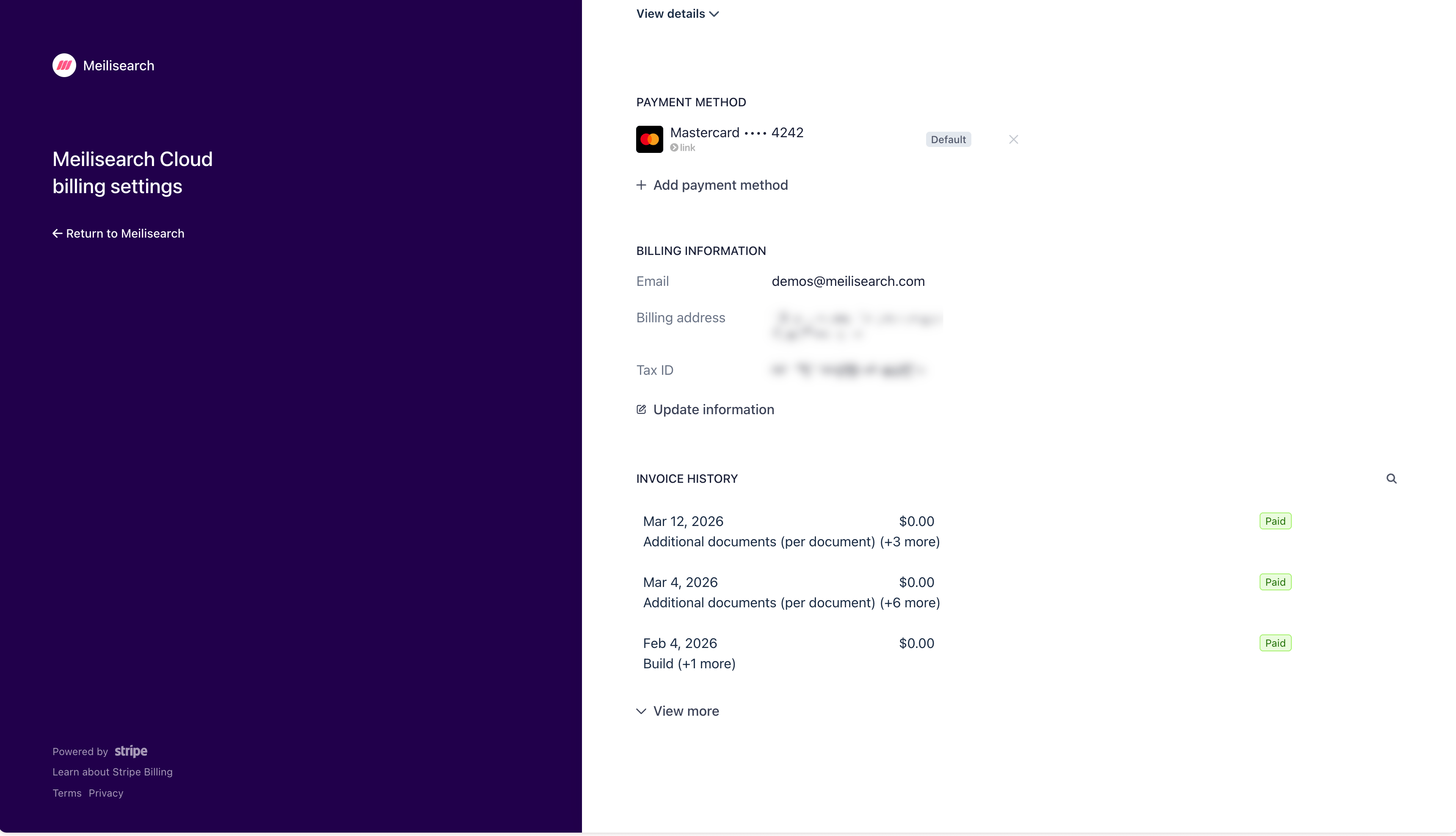
Payment methods are managed through Stripe. To add, change, or remove a payment method, open the Billing tab in the Cloud dashboard and click Manage billing settings and invoices. This opens the Stripe customer portal.
Stripe customer portal showing payment method management with option to add a new payment method
In the Payment method section of the portal:
  • Click + Add payment method to add a new card
  • Click the × next to an existing card to remove it
  • The card marked Default is the one charged automatically on each billing cycle
If a payment fails, Meilisearch Cloud will notify you by email. Update your payment method promptly to avoid service interruption.